
A cinema on the wall.Films and series play full screen on Apple TV, with artwork, cast and descriptions found for you.
CurioPlay takes the playlist your provider gave you and turns it into a home cinema: a real TV guide with catch-up, films and series with artwork, an assistant that understands your library, and a Kids Mode you can trust.
Free with one playlist. No ads, no account, no tracking.

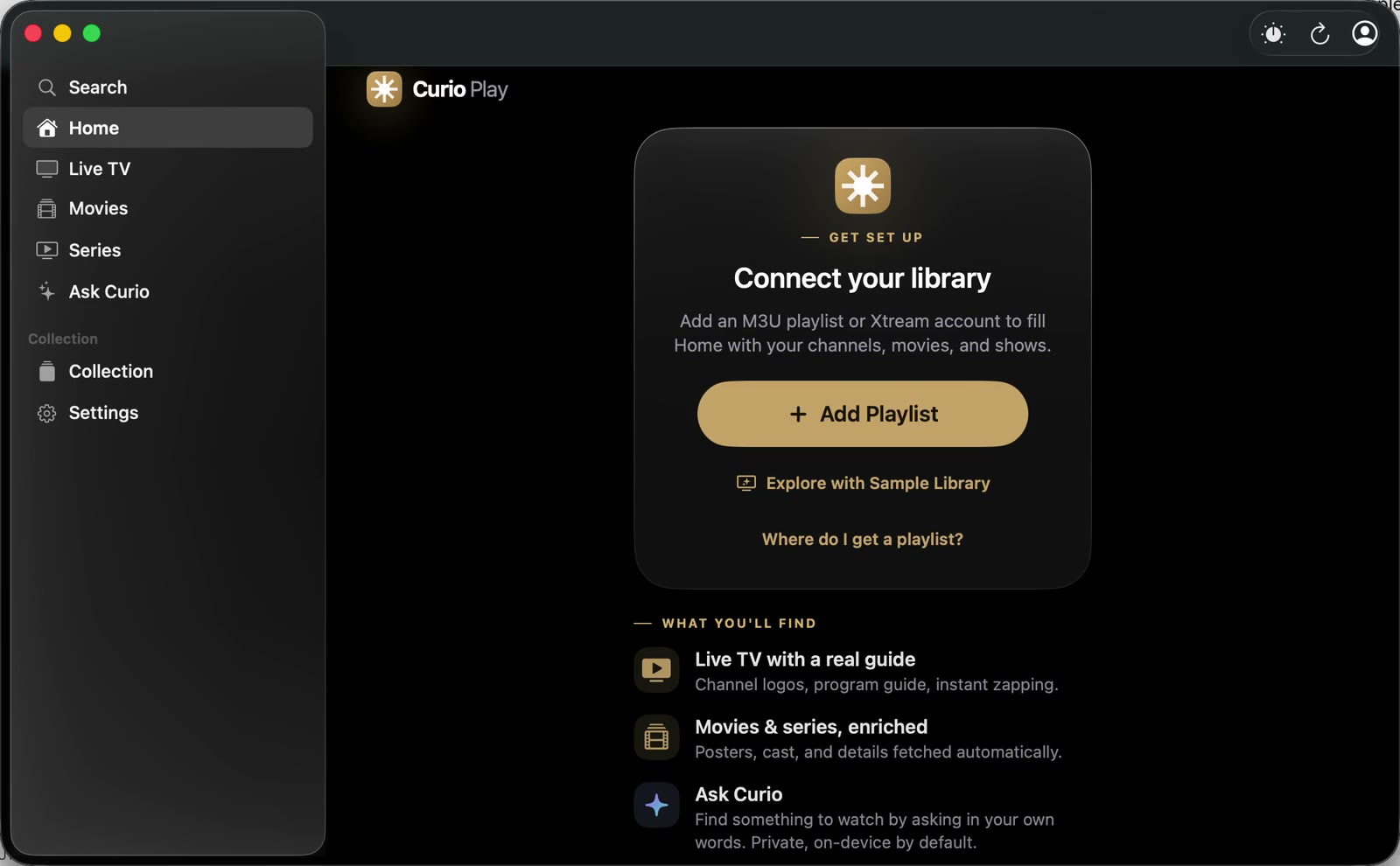

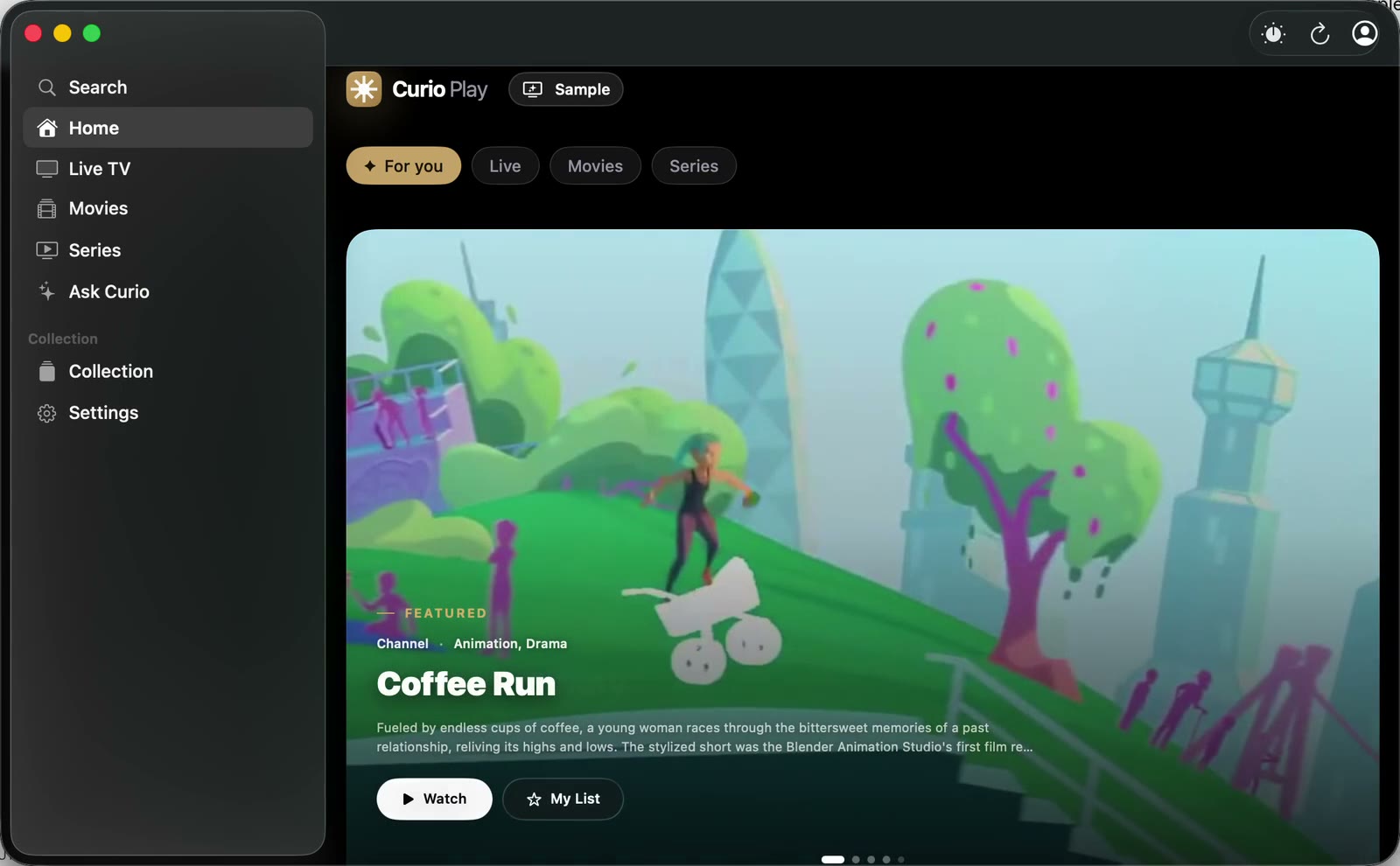
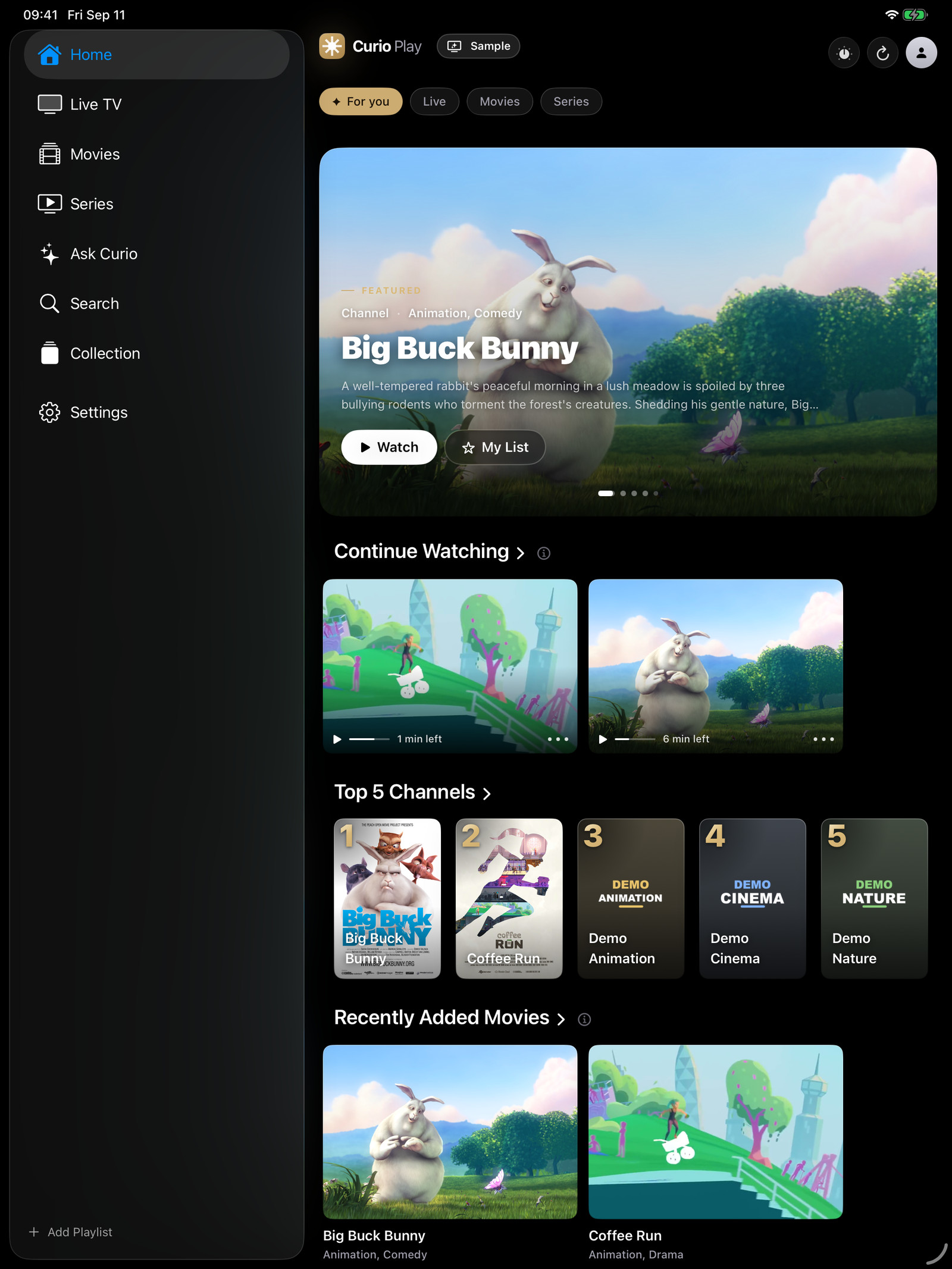
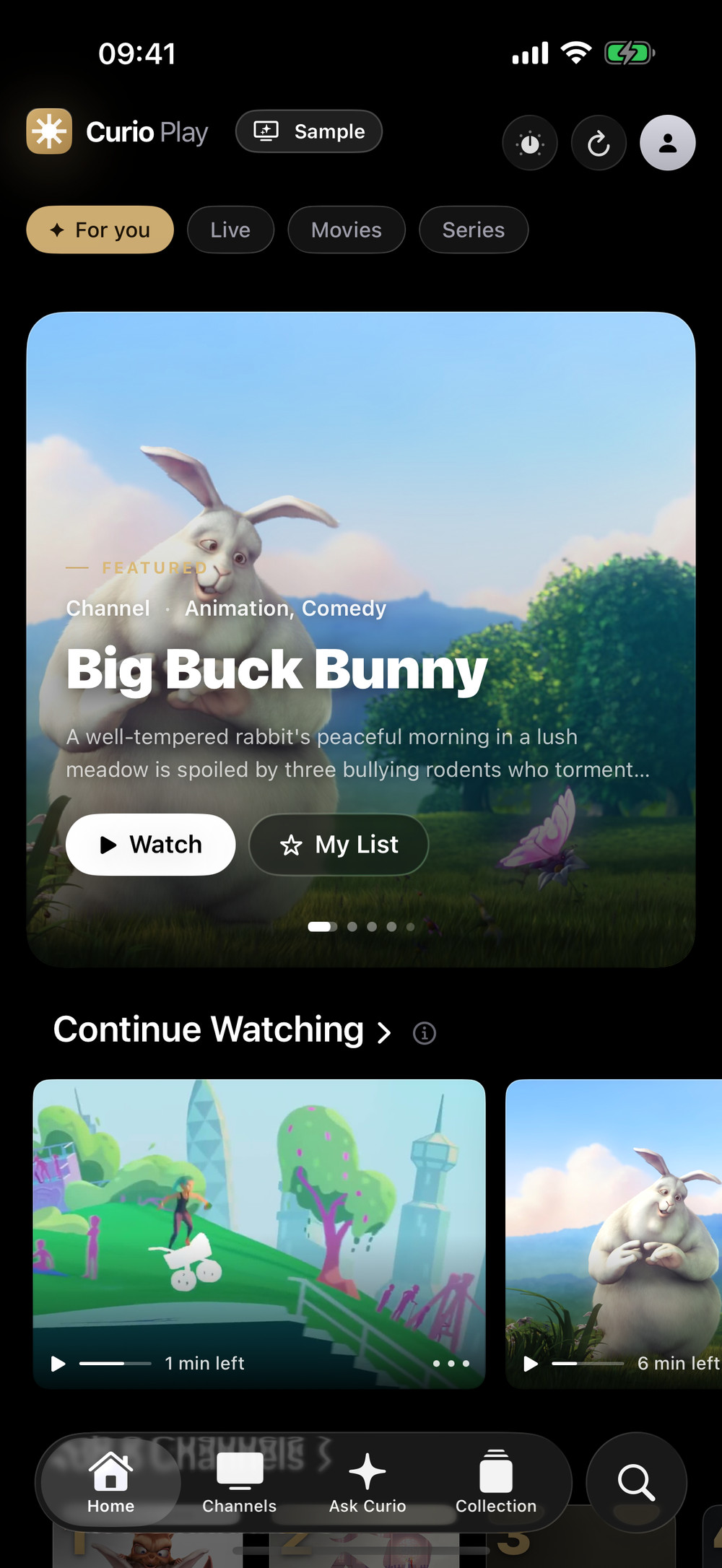
Not a phone app stretched onto a TV. Each version is built for its screen and its remote, and with Pro your history, favourites and Up Next follow you through your own iCloud.
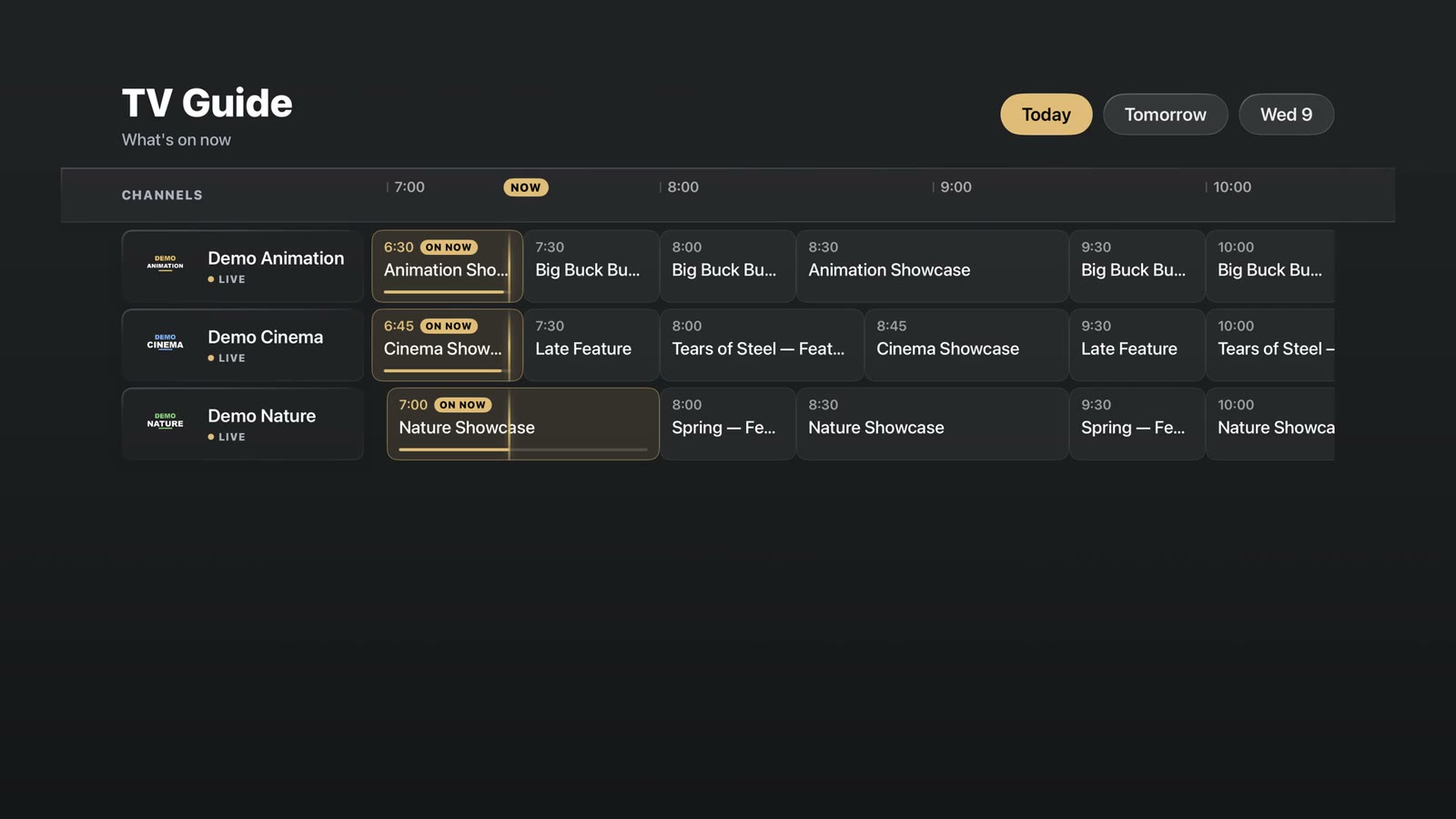
What's on now and next, today and the week ahead — on the screen you are holding and on the one on the wall.

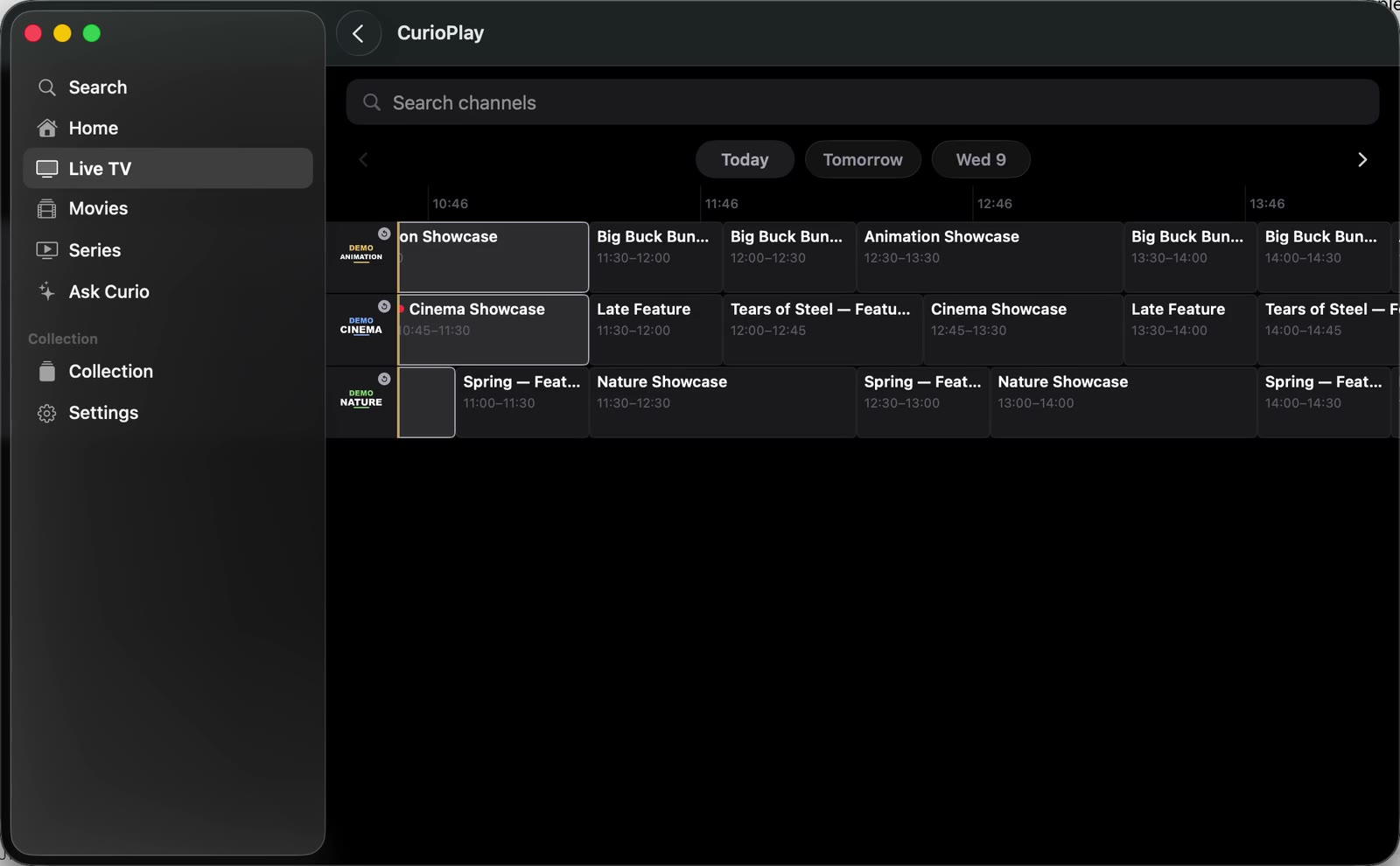
Channels by row, programmes by time, today and the week ahead. On Apple TV the remote does the rest.
Record live, or schedule a recording straight from the guide. Keep it for later, watch it on the couch or on the train (Pro).
Missed it? Select a past programme and it replays, where your provider supports catch-up. Pin the groups you love, hide the rest.
Posters, cast and descriptions appear without you lifting a finger. Seasons and episodes fall into order.
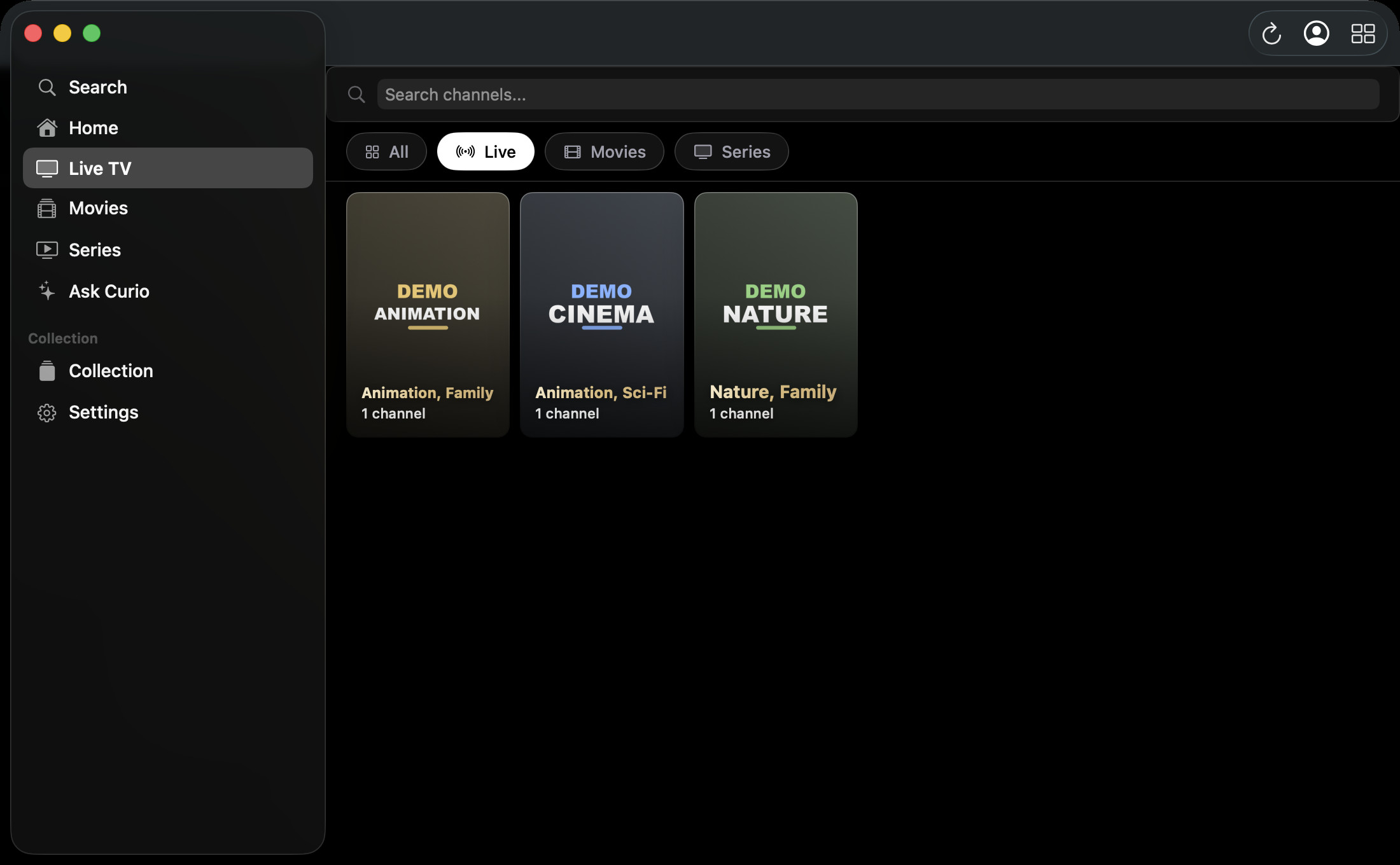
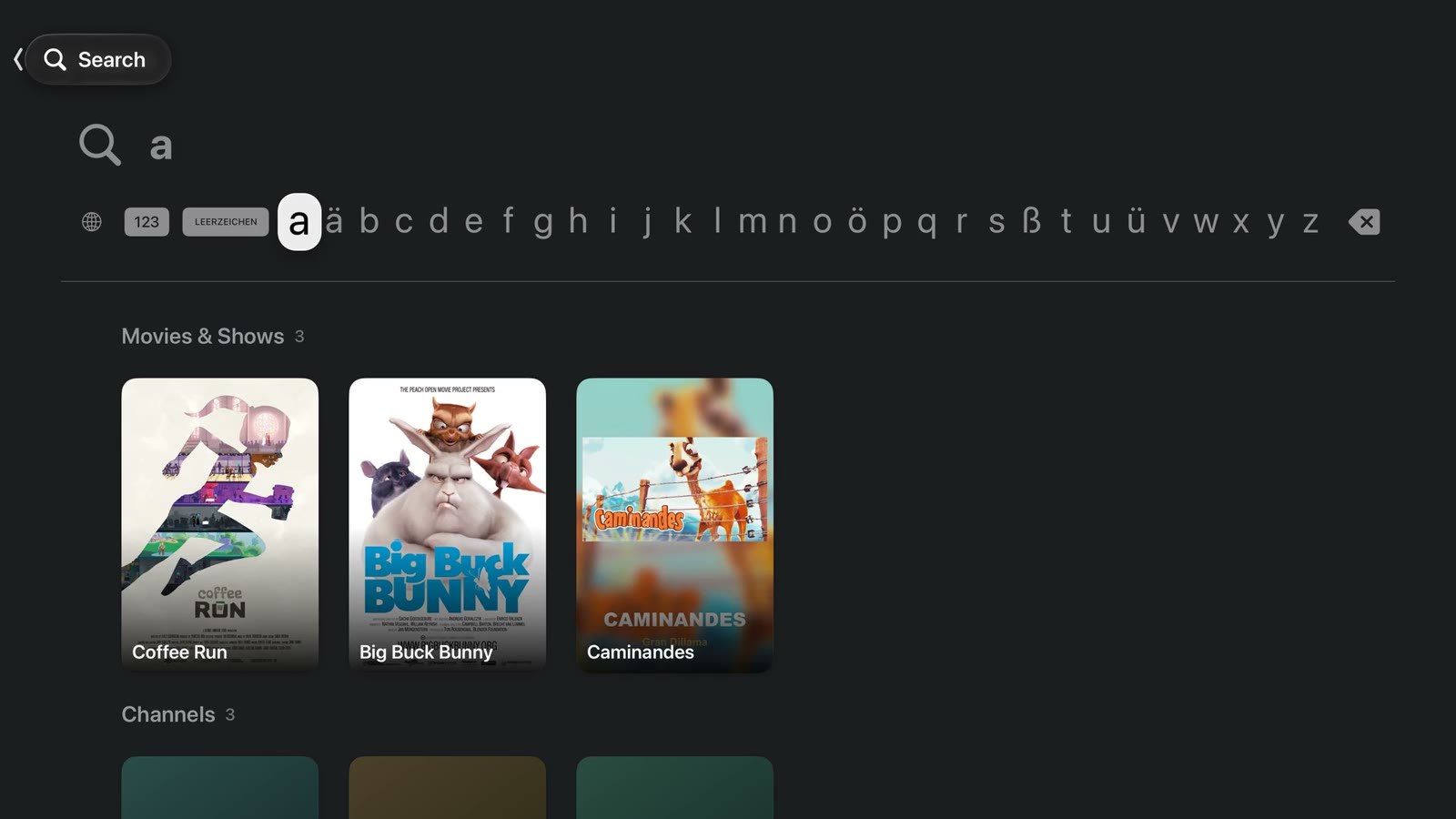
Artwork, cast and descriptions are fetched automatically for what you already have. A film opens in its own window on the Mac.
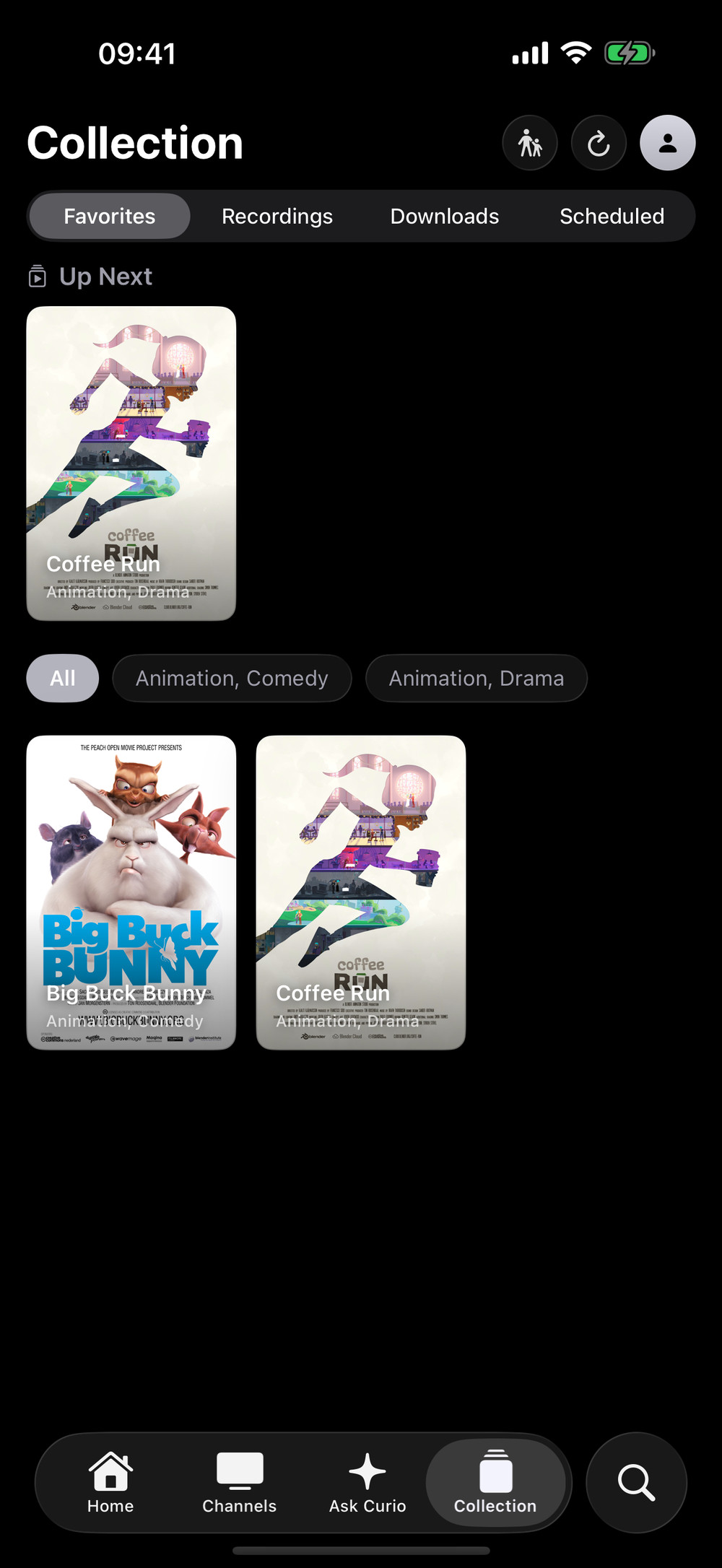
Favourites, Up Next, recordings and downloads live in one place. Start a film on the iPhone, finish it on the Mac (Pro sync).
A few letters find channels, films, shows and what's on now, all at once — on Apple TV with the letter bar, on iPhone from Spotlight or Siri.
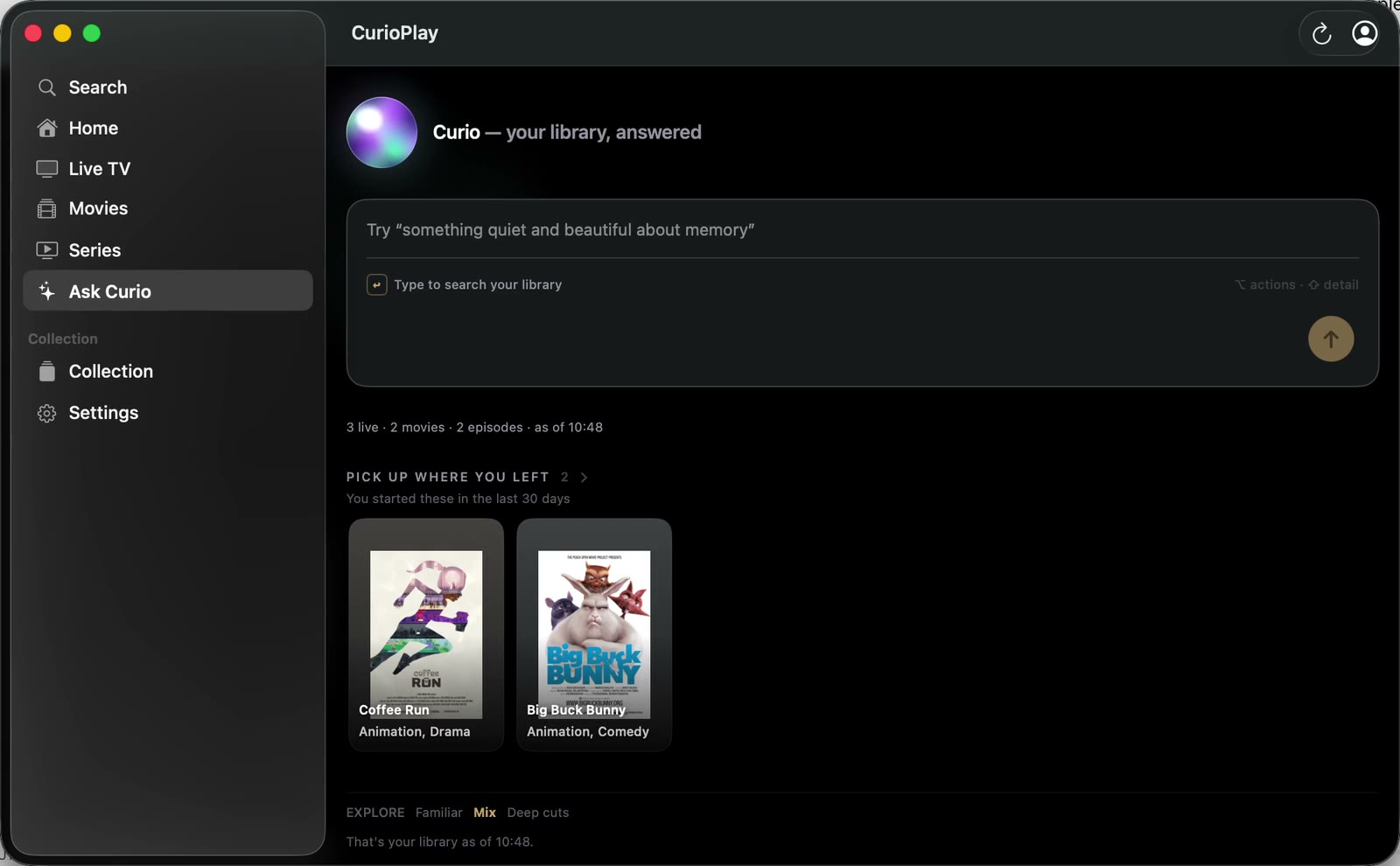
"Something quiet and beautiful for tonight." The assistant answers from your own library, in your own words, on your device.
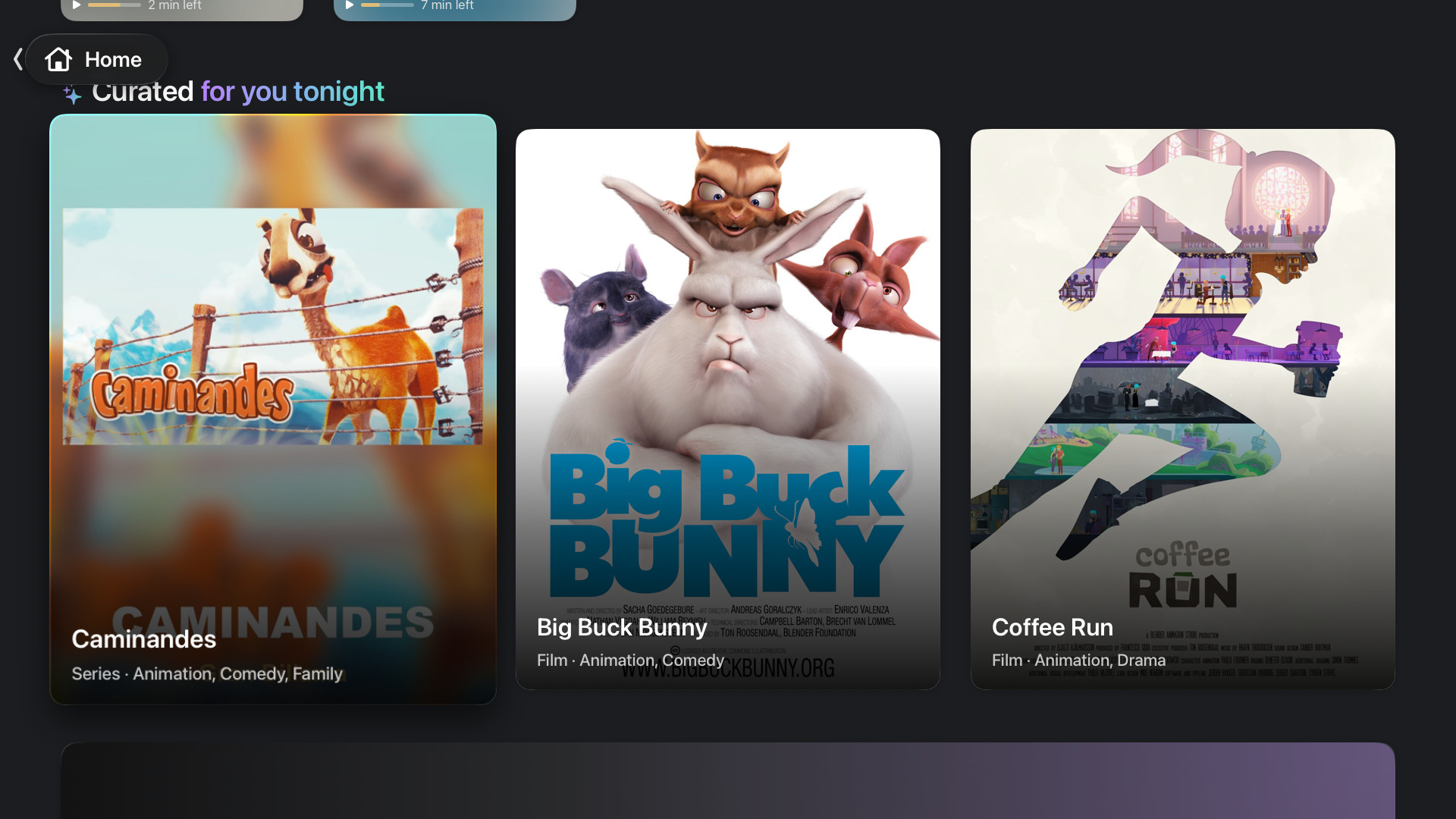
Ask Curio runs on Apple's on-device models. The optional cloud assistant is off until you turn it on, and it never sees your provider details.
Your own watching shapes what comes first. On Apple TV, on the Mac, on the iPhone — the same taste, never shared with anyone.
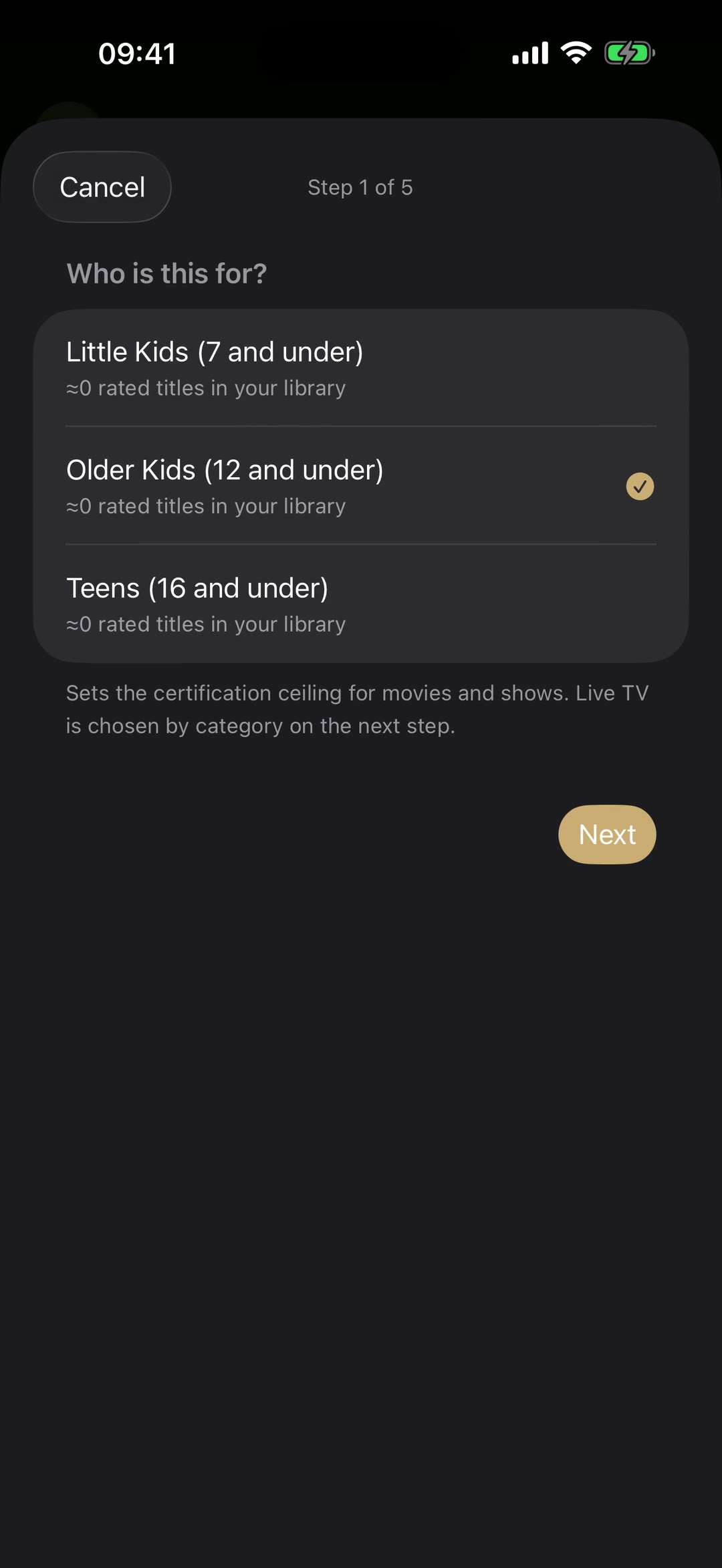
Choose an age preset, approve the live categories and the film genres, hand the remote over.
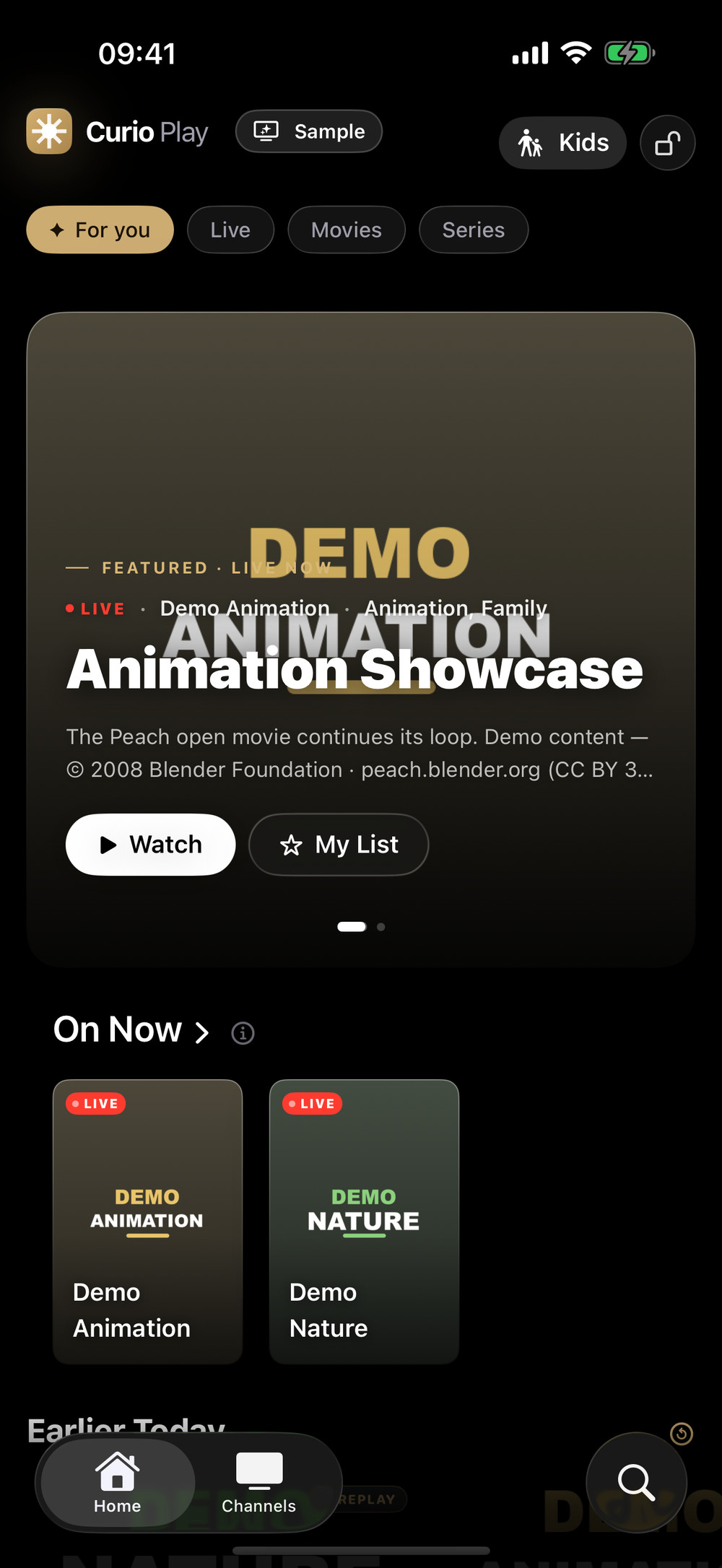
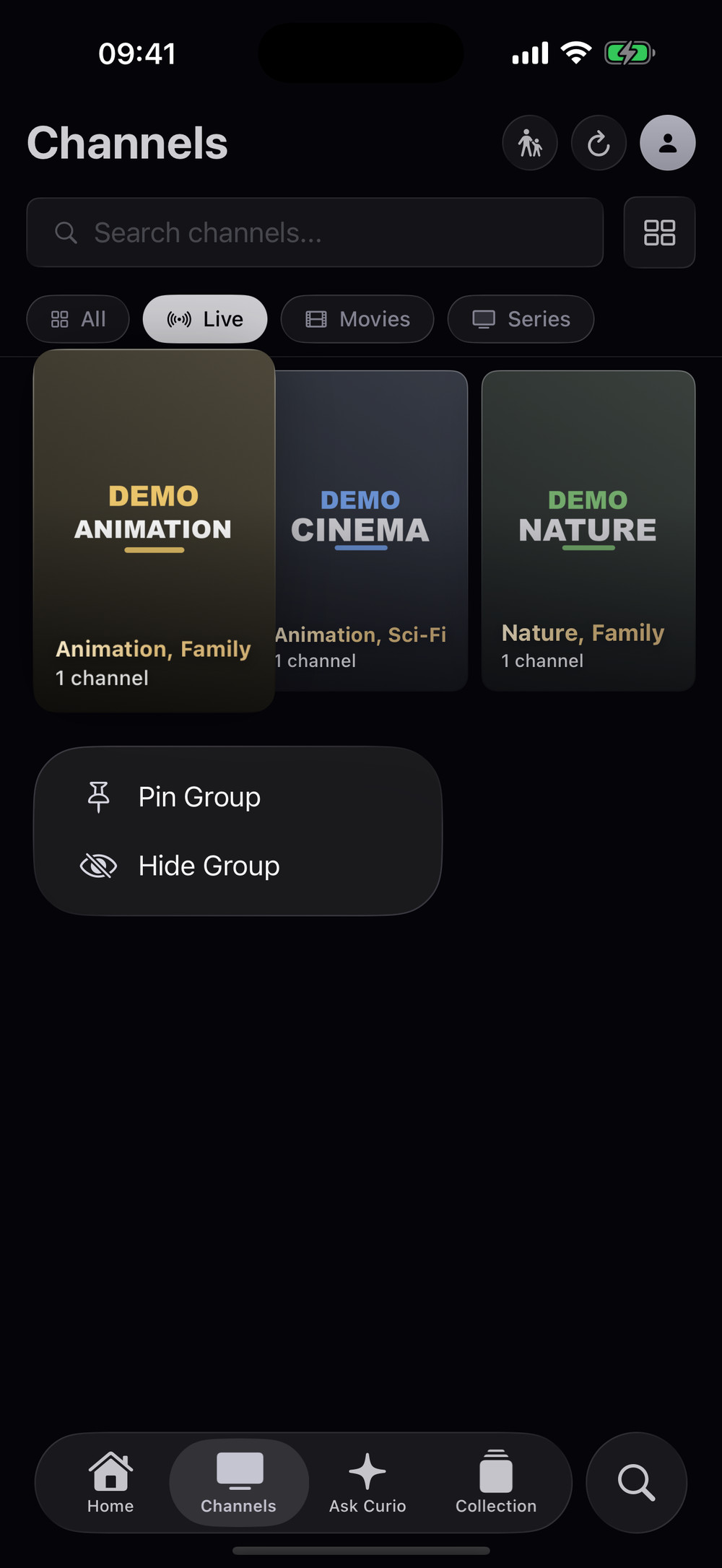
Little kids, older kids or teens: a preset sets the ceiling, allowlists decide the rest. Leaving needs the PIN only you know.
Right-to-left titles, search and metadata that simply work — designed from day one, not translated afterwards.
Favourites, Up Next, recordings and downloads in one Collection, synced through your own iCloud with Pro.
Real captures of the app playing the built-in Sample Library. No provider involved.
 Apple TV — a film, full screenMac — live TV with the guide
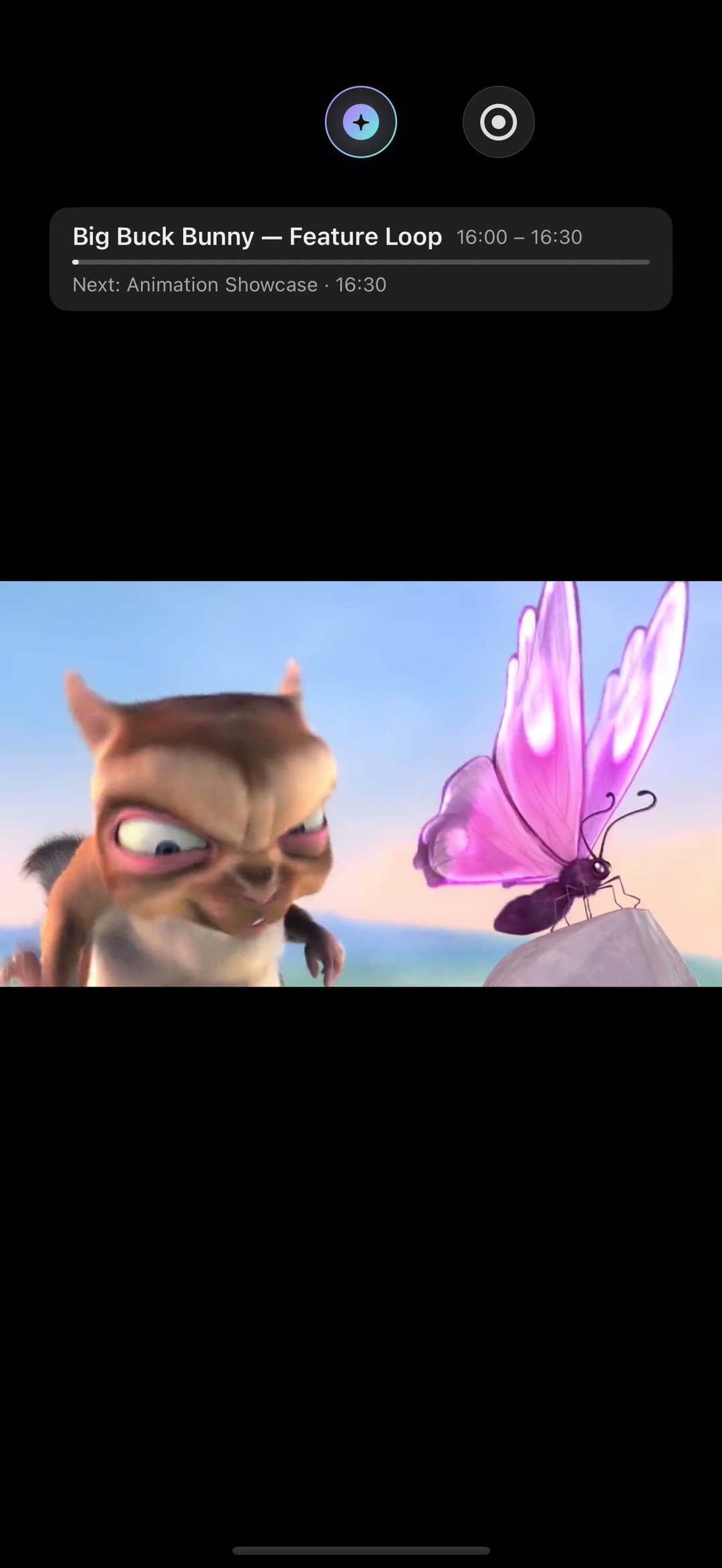 iPhone — from the guide to playback
Short clips recorded in the app on every screen. Sound off, nothing to install but the app.
Pro is for households with more than one provider, and for watching everywhere.
| Freewith one playlist | CurioPlay Promonthly · yearly with 7-day trial · lifetime | |
|---|---|---|
| Live TV with instant zapping and the full guide | ✓ | ✓ |
| Movies & series with artwork, cast and descriptions | ✓ | ✓ |
| Search, Ask Curio, Kids Mode | ✓ | ✓ |
| Picture in Picture, AirPlay, SharePlay, Siri | ✓ | ✓ |
| No ads, no account, no tracking | ✓ | ✓ |
| All your playlists and providers in one place | — | ✓ |
| iCloud sync of history, favourites and resume across iPhone, iPad, Mac and Apple TV | — | ✓ |
| Catch-up, recording and downloads | — | ✓ |
One purchase covers all your Apple devices through Family Sharing-compatible App Store billing.
No. CurioPlay is a player, like a browser is not the websites. It contains no channels, streams or content and does not help you find any. You connect the playlist your own IPTV provider gave you, and you confirm your right to it in our Terms of Use.
M3U and M3U8 playlists (link or file), Xtream Codes logins and XMLTV guides, which covers nearly every provider. Live TV, movies and series, with catch-up where your provider supports it.
The app speaks English, French and Arabic, with full right-to-left support. The App Store listing is also in German.
No account, no tracking, no ads, no analytics SDK. Your playlists and viewing stay on your device, and in your own iCloud if you turn sync on. The Privacy Policy lists every connection the app makes.
iPhone and iPad with iOS 26, Mac with macOS 26 (Apple silicon and Intel), Apple TV with tvOS 26. One purchase covers all of them.
Most playback problems come from the provider's side (a paused subscription, a changed link, a server limit). Refresh the playlist in Settings, check the link with your provider, then write to us with the app version and what you see; we answer every message.